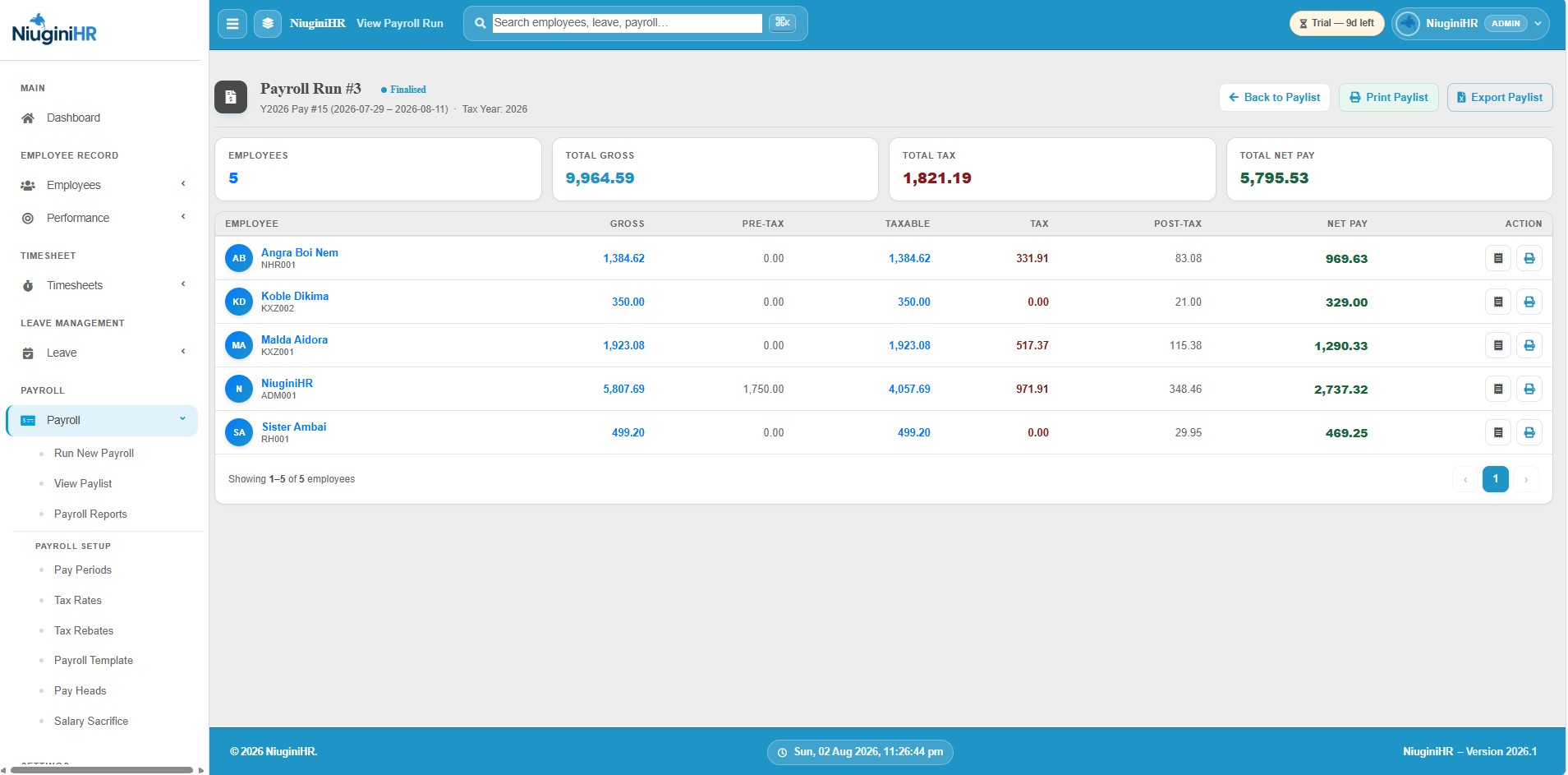
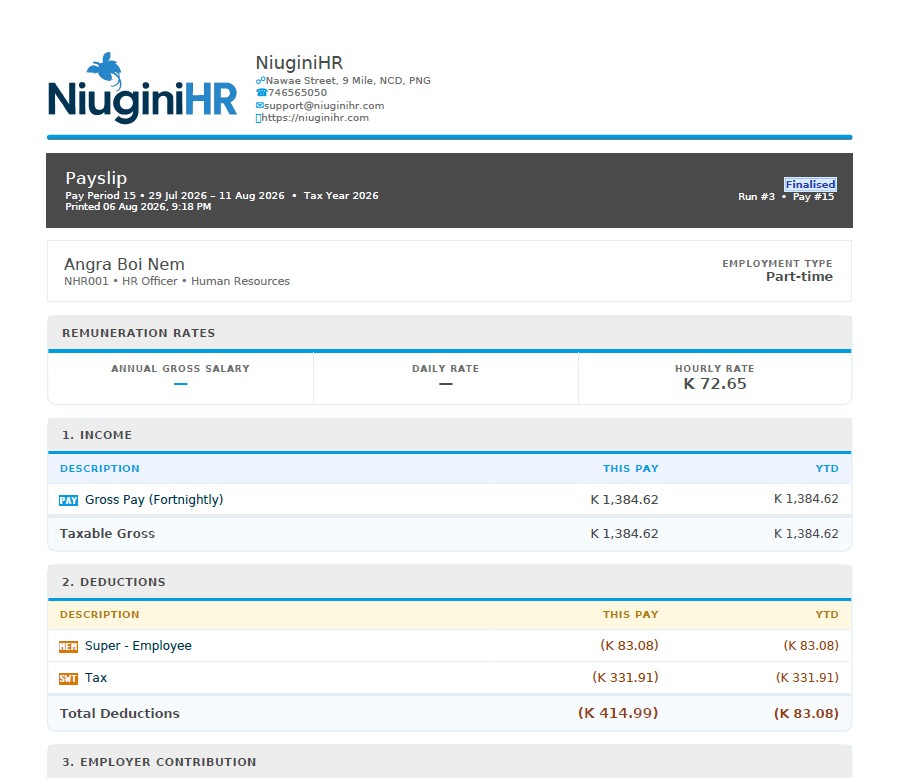
Generate fortnightly payroll from approved timesheets with PNG tax and super already in mind — then produce payslips and bank payment files without a second system.
NiuginiHR is built around the fortnightly cycles common across Papua New Guinea. Define pay periods, run payroll when timesheets are ready, and keep a history of past runs.
Tax, deductions and super
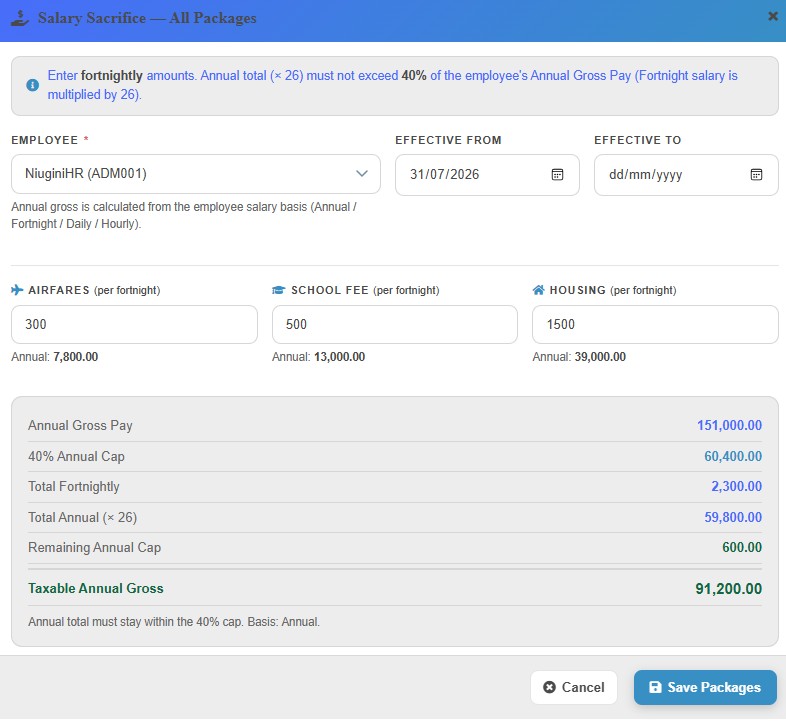
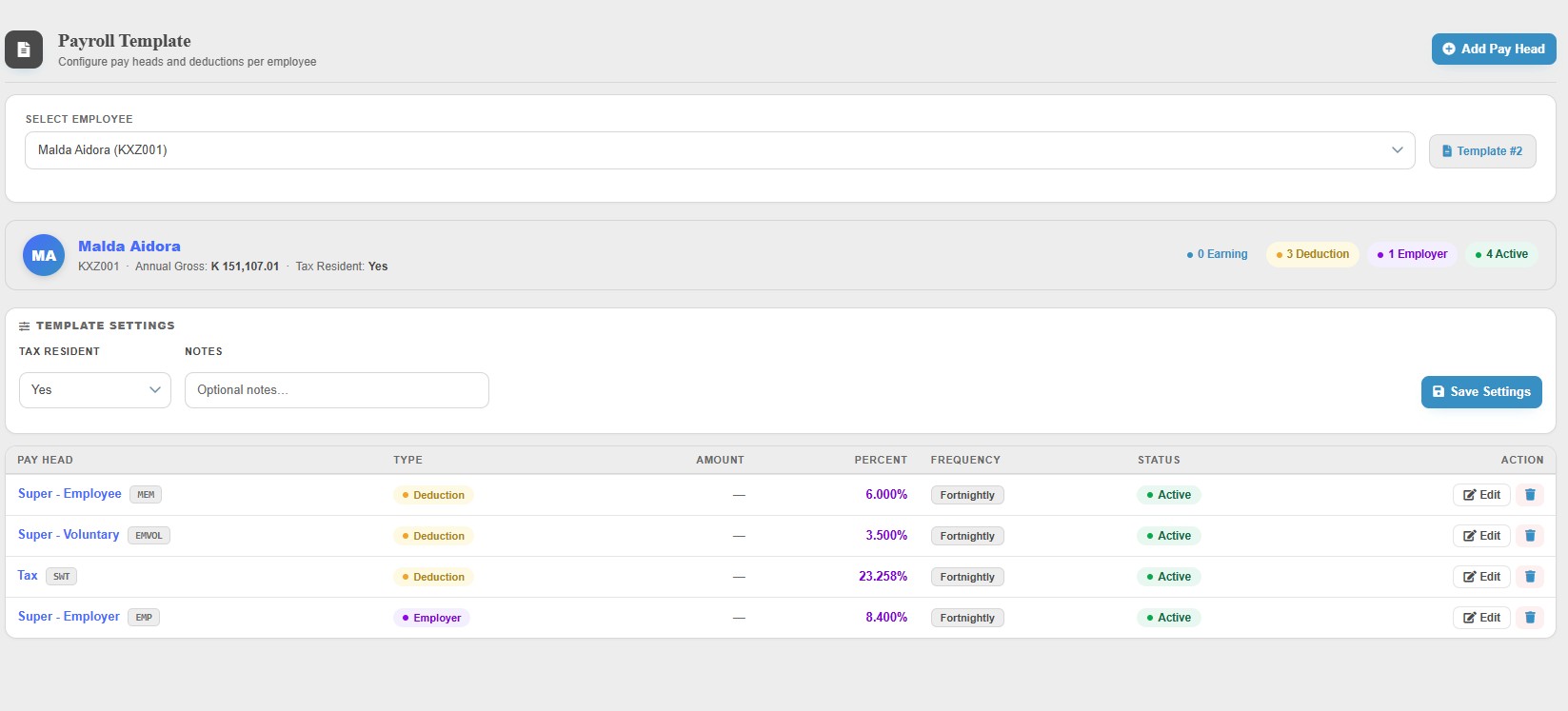
Configure tax rates, rebates, deduction types and super funds in Settings so each run applies the rules you have set — not a one-off spreadsheet formula.
Pay people and prove it
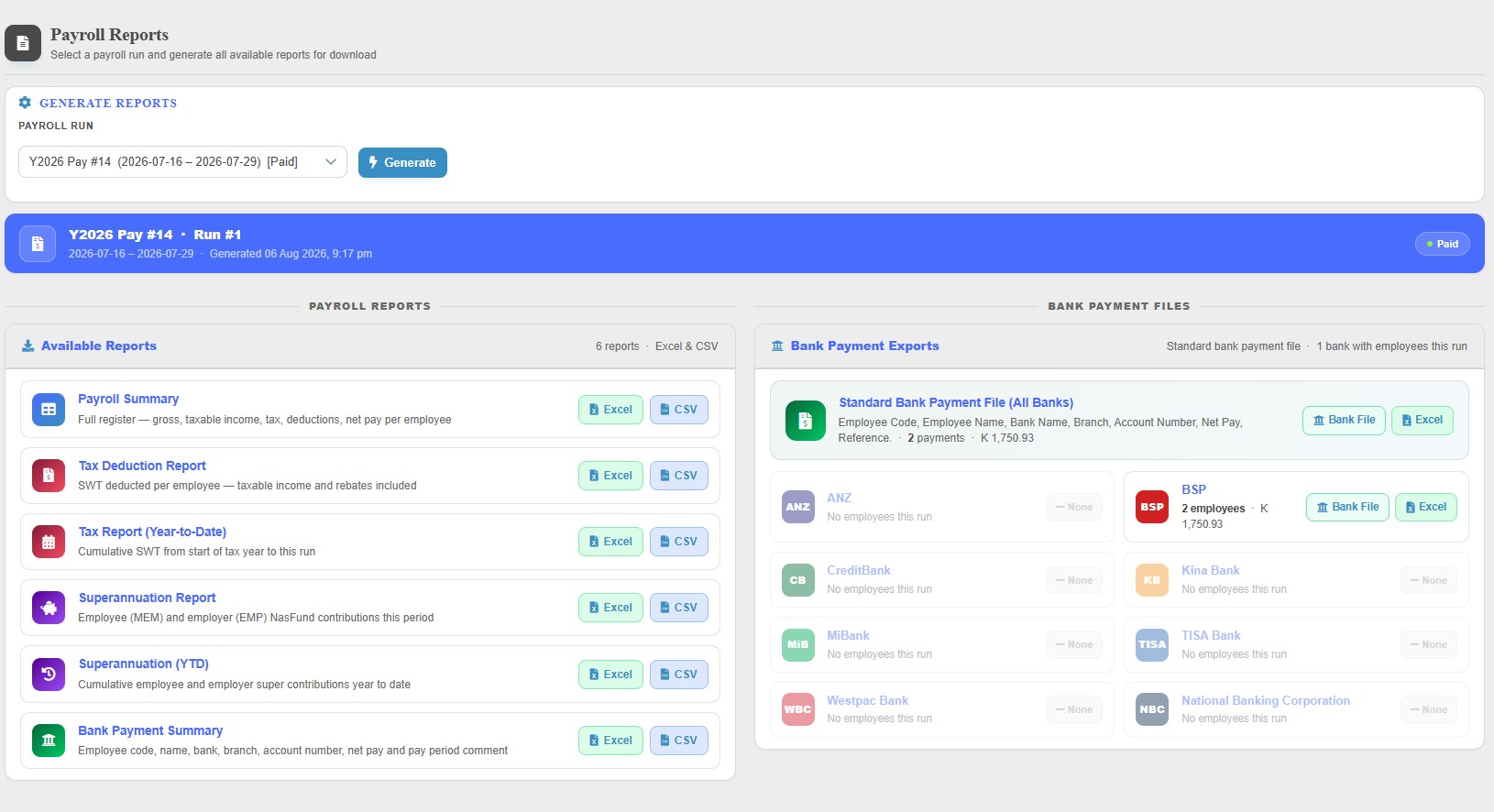
Generate bank payment files for your bank and create payslips for employees. Payroll history stays available for checks and follow-up.
FAQ
Questions about Payroll
Some of the quick information about this module.
Is NiuginiHR ready for IRC tax?
Payroll is designed around PNG fortnightly pay and IRC-oriented tax tables. You maintain rates and rebates in the system so runs follow the configuration you load — always confirm current IRC requirements with your accountant when tables change.
Does payroll use timesheets?
Yes. The intended path is approved (finalised) timesheets into the payroll run, so hours and leave are not re-entered on payday.
Can we generate bank files?
Yes. After a run you can produce bank payment files for lodging with your bank, alongside payslips for staff.
How do NASFUND and Nambawan Super work?
Super fund details are configured in Settings and applied in payroll according to how you set each employee up. Rates and funds should match your agreements with the funds.
Who can run payroll?
Payroll actions are limited to authorised roles (typically Admin or Manager with payroll access). Ordinary staff see payslips, not the full run.
See Payroll in your own workspace
Create your organisation in minutes. Tax tables and PNG payroll foundations are ready when you are.