Home Features Settings

NiuginiHR module

Settings & Configuration

Your company rules, once — used everywhere.

Set up your organisation once: company profile, branding, structure, tax and deduction tables, public holidays and mail — then every module follows those rules.

At a glance

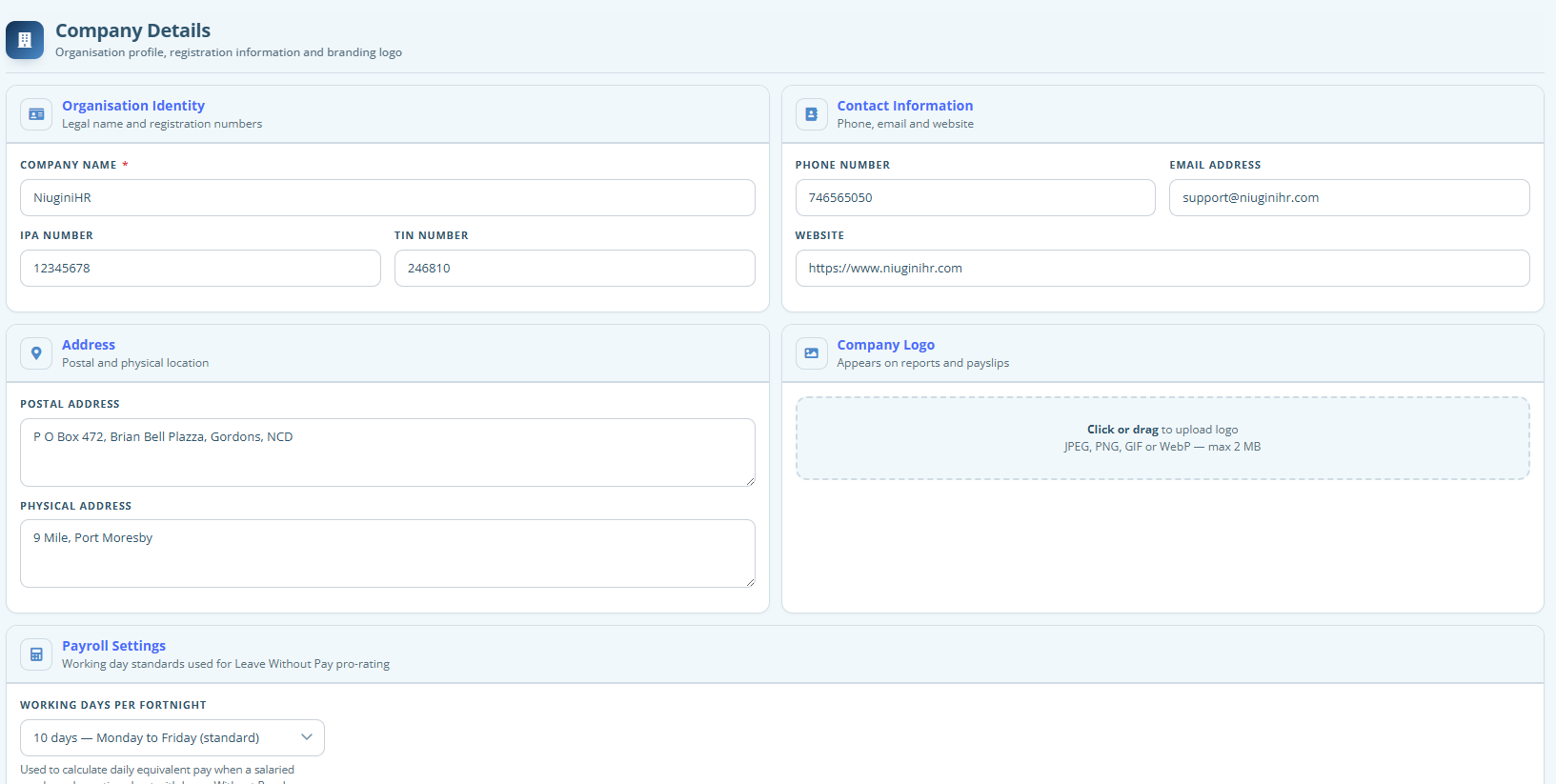
  • Company details and white-label branding
  • Branches and departments
  • Document, asset and training type lists
  • Deduction types, super funds and public holidays
  • Mail settings and subscription overview

Look like your company

Update company details and branding so the app chrome, logos and accents match your organisation. Staff recognise the system as yours, not a generic toolkit.

Structure and reference data

Create branches and departments. Define document types, asset types and training types so employee records stay consistent as people join.

Payroll and calendar foundations

Configure deduction types, super funds and public holidays here. Timesheets and payroll read these settings instead of hard-coding dates and rates in one-off files.

FAQ

Questions about Settings

Some of the quick information about this module.

Who can change Settings?
Settings are restricted to Admin and Manager roles with settings access. Day-to-day staff do not edit company-wide configuration.
Can we use our own logo and colours?
Yes. Branding settings let you apply your company name, logo and colour theme across the application shell.
Where do we set public holidays?
Public holidays are maintained under Settings. Once loaded, timesheet entry can auto-apply them for the days in a pay period.
How are tax tables maintained?
Tax rates and rebates live with payroll configuration so you can update them when IRC tables change, without rewriting payroll logic.
Can we manage email notifications?
Mail settings let administrators configure how the system sends email for your organisation (subject to your plan and hosting setup).

See Settings in your own workspace

Create your organisation in minutes. Tax tables and PNG payroll foundations are ready when you are.