Your subdomain. Your branding. Your data.
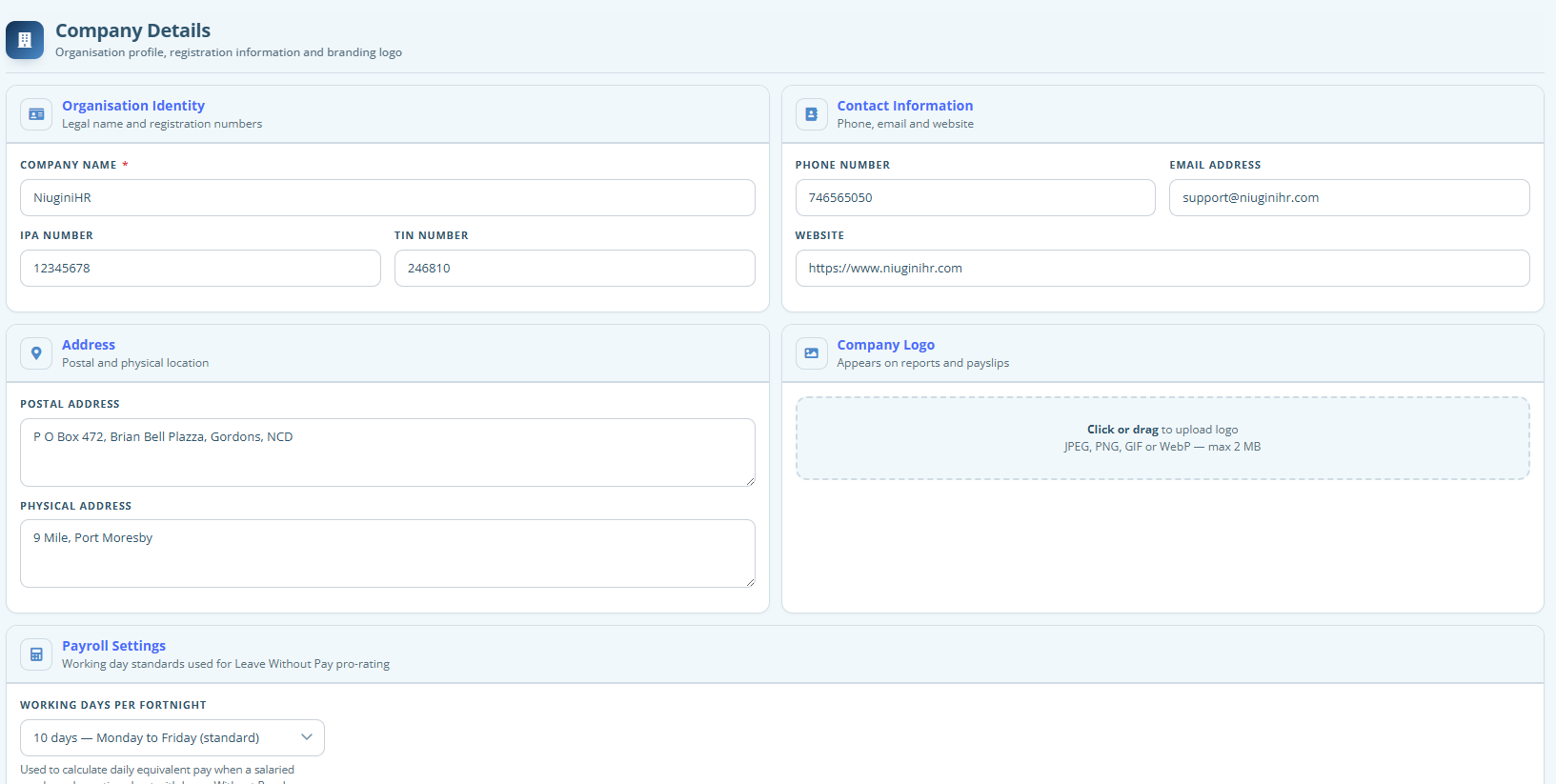
Register once and get a dedicated workspace for your business — separate from every other customer, with your own login address and branding.
At a glance
- Your own subdomain (yourcompany.niuginihr.com)
- Company branding across the app
- Isolated database for your organisation
- Secure access for your team only
Not a shared filing cabinet
Each organisation is set up as its own tenant. Staff records, payslips and leave stay inside your workspace — never mixed into another company’s database.
Sign in where you belong
Your team uses your subdomain and your branding. That reduces confusion and helps people recognise the real login address.
FAQ
Questions about Workspace
Straight answers to the things people ask us most.
How do we get a workspace?
Register on niuginihr.com, choose a subdomain, pick a plan (including trial options), and activate via the email we send. Then log in and start configuring Settings.
Is our data shared with other companies?
No. Tenant databases are isolated. Other organisations can’t see your employees, payroll or documents.
Can we change branding later?
Yes. Admins update logos and colours in Settings → Branding whenever your identity guidelines change.