
Settings
Set it up once, your way
Tell NiuginiHR how your organisation works and it follows your lead. Spend a little time here at the start and everything else falls into place.
At a glance
Set it up once to match how you work.
- Your company details, logo and branding
- Branches and departments that match how you run
- PNG public holidays picked up by leave, timesheets and payroll
- You decide who can see and do what
- Your own categories for documents, training and assets
- Emails for notifications, approvals and payslips
01
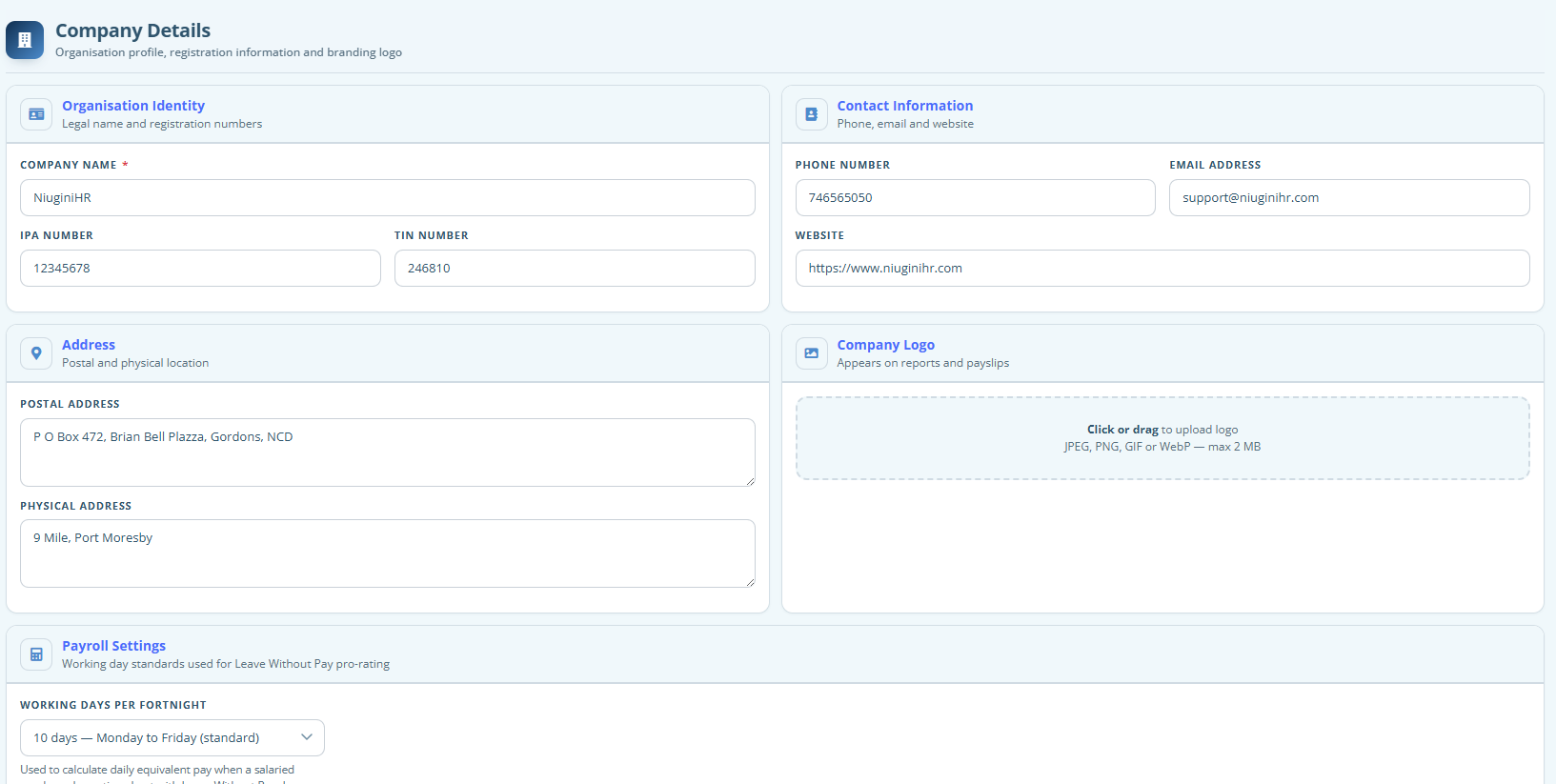
Company Details
Add your organisation’s details, logo and branding so the system looks and feels like yours.
02
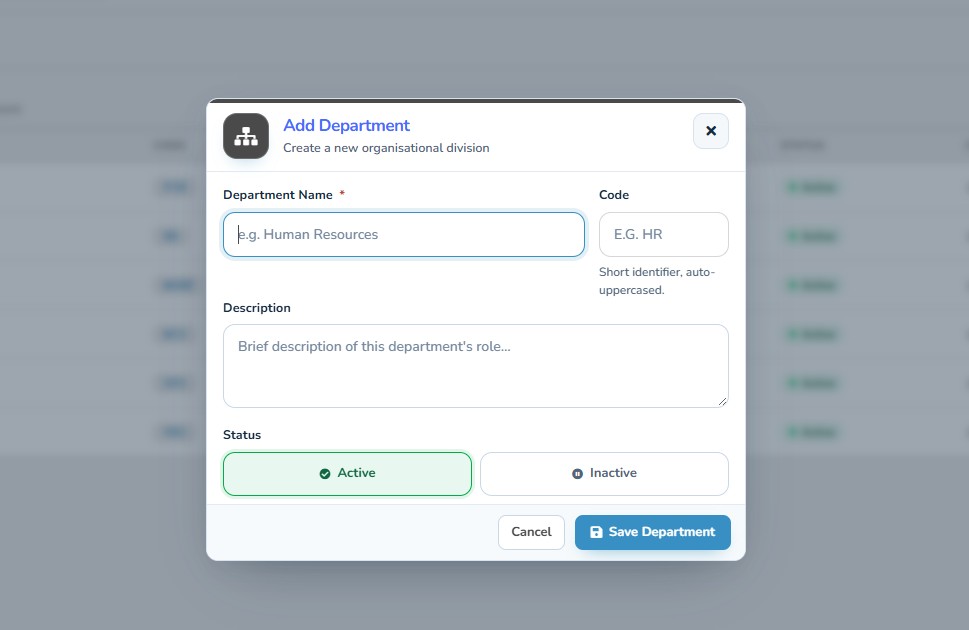
Branches & Departments
Set up your branches and departments the way you really run, so staff are grouped properly and your reports make sense.
03
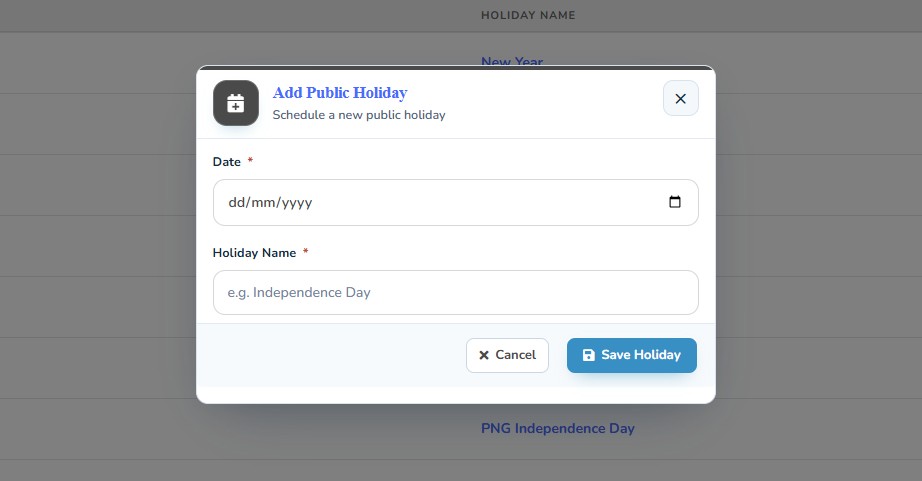
Public Holidays
Add PNG’s public holidays and leave, timesheets and payroll will all take them into account.
04
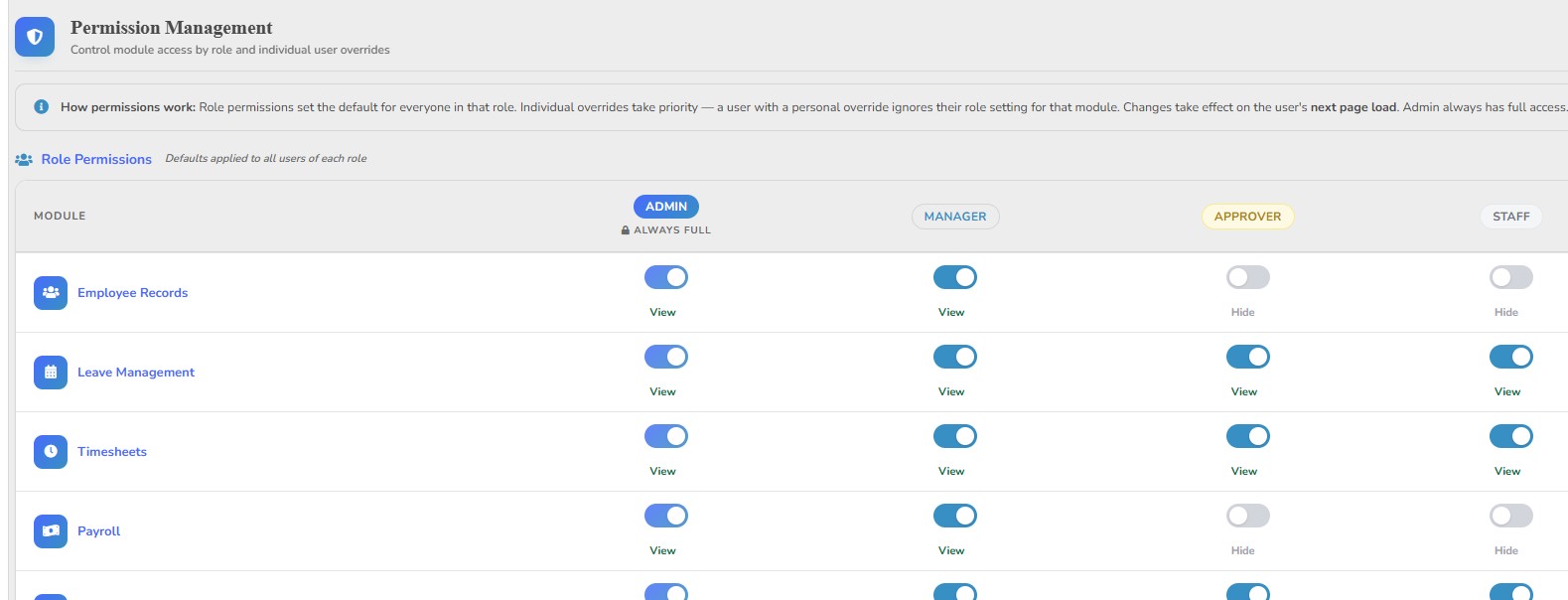
Users & Roles
Decide who can log in and what each person can see or do, from HR managers to supervisors and staff.
05
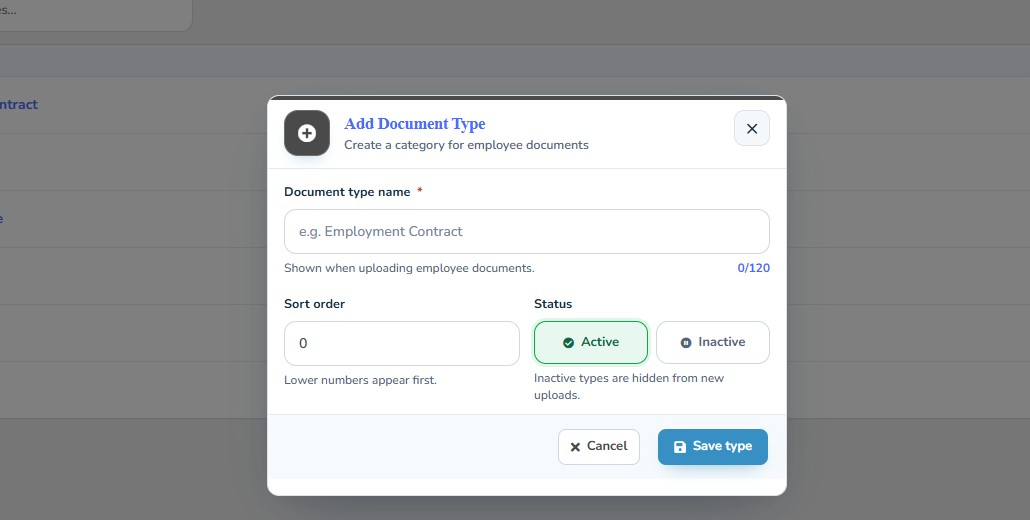
Document, Training & Asset Types
Use your own categories for documents, training and company assets, so everything is filed the way your team already thinks about it.
06
Mail Settings
Connect your email and NiuginiHR can send notifications, approvals and payslips straight to your team.
FAQ
Questions about Settings
Straight answers to the things people ask us most.
Still have a question? Talk to usWho can change Settings?
Only Admins and Managers you’ve given settings access to. Everyday staff can’t change company-wide setup.
Can we use our own logo and colours?
Yes. Add your company name, logo and colours, and they’ll show throughout the app.
Where do we set public holidays?
In Settings. Once they’re added, timesheets fill them in for you in each pay period.
How are tax tables maintained?
They live with your payroll setup. When the IRC tables change, you update the rates and rebates there and payroll carries on as normal.
Can we manage email notifications?
Yes. Administrators can set up how NiuginiHR sends email for your organisation, depending on your plan and hosting setup.
Make NiuginiHR your own
Start a free trial and set up your organisation in a few minutes. PNG tax tables are already loaded, and free training is included.