
Workspace
A workspace that’s yours
When you sign up, you get your own NiuginiHR: your own web address, your own branding and your own database. Nobody else’s records are mixed in with yours.
At a glance
Your own address, your branding, your data.
- Your own address, like yourcompany.niuginihr.com
- Your branding across the app
- A database used only by your organisation
- Only your team can sign in
01
Not a shared filing cabinet
Every organisation gets its own separate space. Your staff records, payslips and leave stay inside yours and are never mixed with another company’s data.
02
Sign in where you belong
Your team logs in at your own address, with your logo on the screen. It’s less confusing, and people learn to recognise the real login page.
FAQ
Questions about Workspace
Straight answers to the things people ask us most.
Still have a question? Talk to usHow do we get a workspace?
Sign up on niuginihr.com, choose your web address and pick a plan (you can start with a trial). Activate it from the email we send, then log in and start on your Settings.
Is our data shared with other companies?
No. Every organisation has its own separate database. Nobody else can see your employees, payroll or documents.
Can we change branding later?
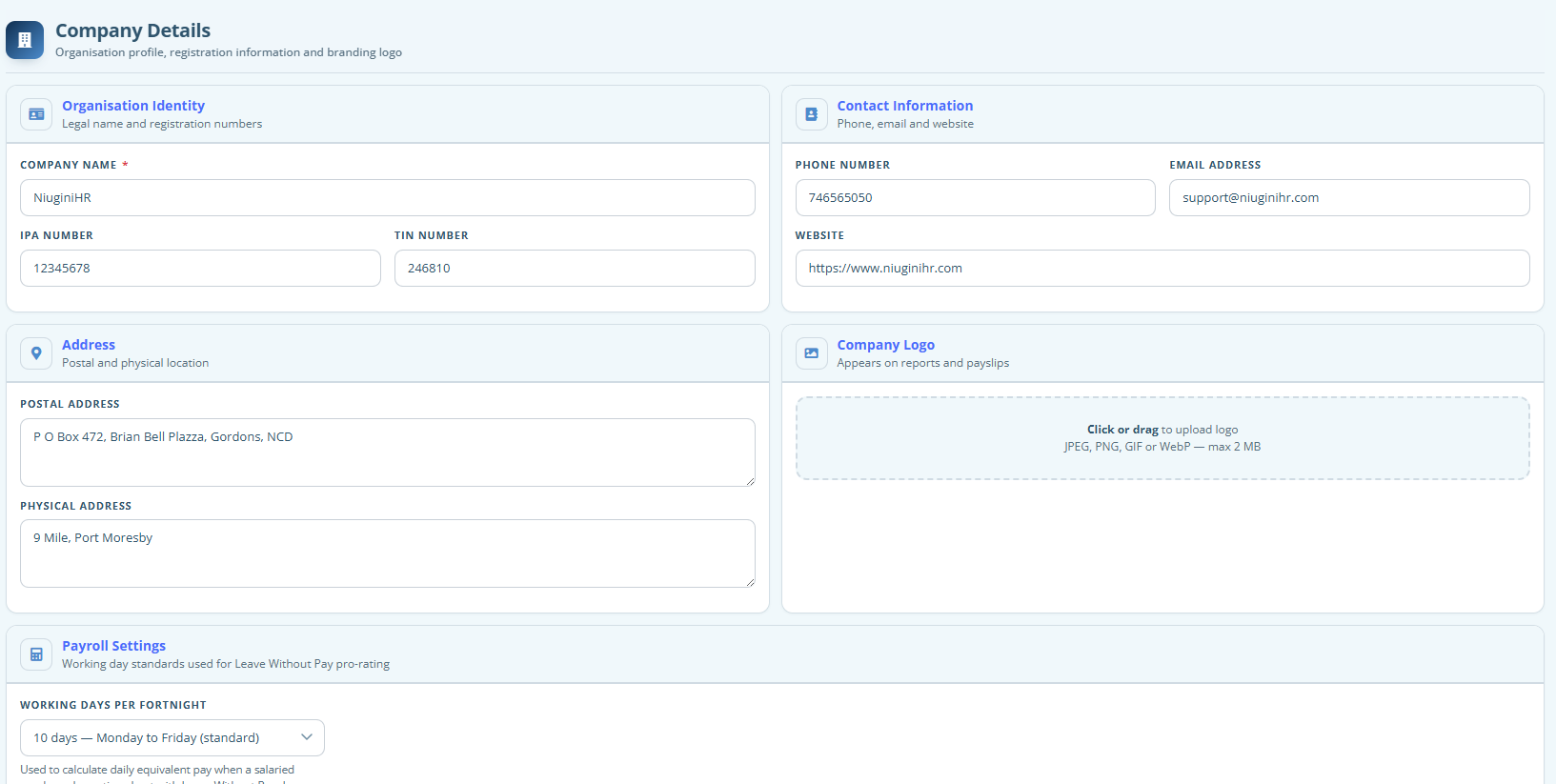
Yes. Admins can change the logo and colours in Settings → Branding whenever you need to.
Try it with your own team
Start a free trial and set up your organisation in a few minutes. PNG tax tables are already loaded, and free training is included.